
Notes, cards, and useful information in one personal workspace
Organize your life in one secure app with notes, lists, subscriptions, cards, reminders, and cloud sync—plus powerful Pro features.
Stowlet is your all-in-one personal workspace for organizing the things that matter most. Whether you need to save ideas, plan your day, track recurring subscriptions, store important card details, manage contacts, or keep private information safe, Stowlet brings everything together in one clean, intuitive experience.
What Stowlet is for
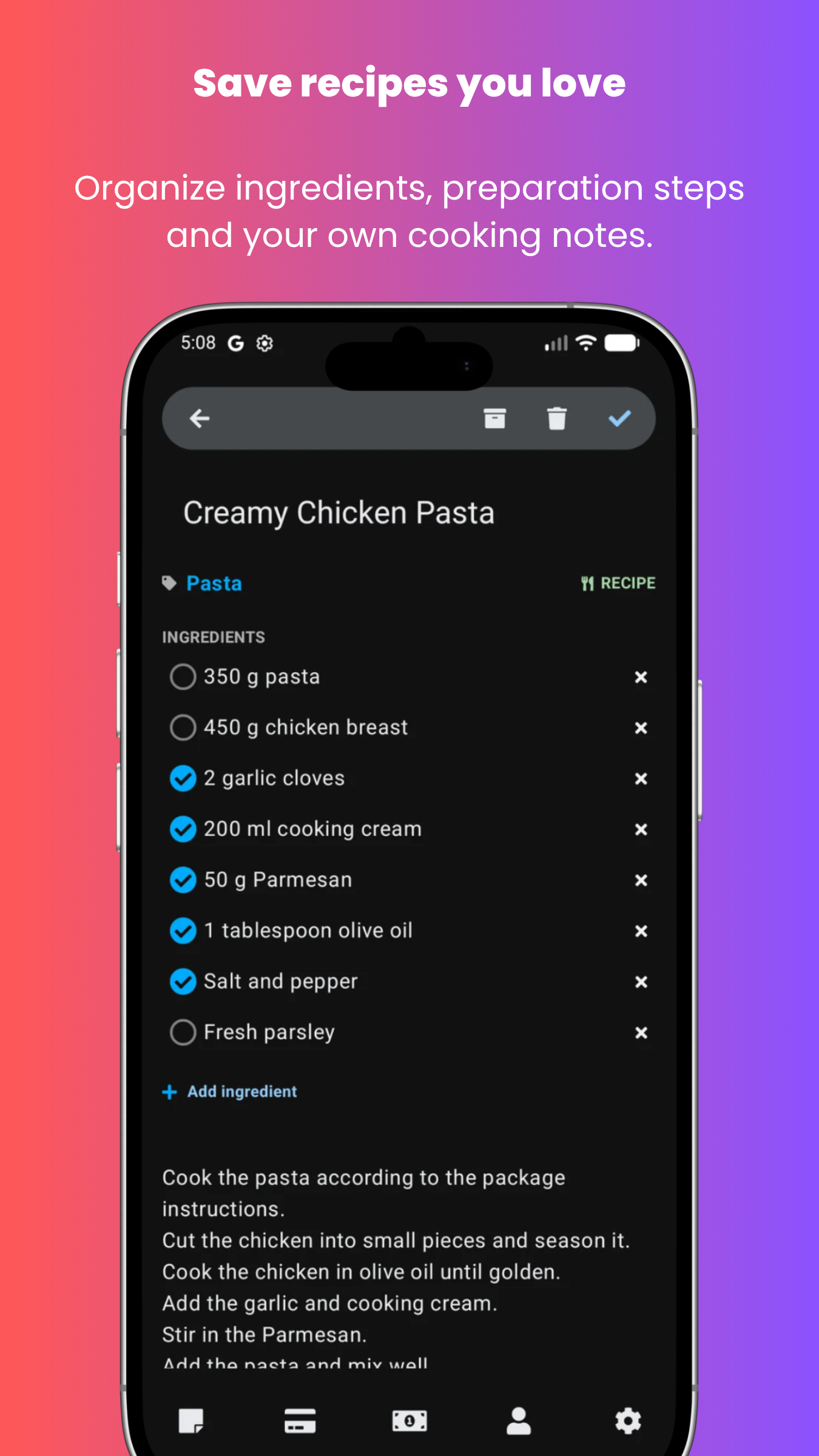
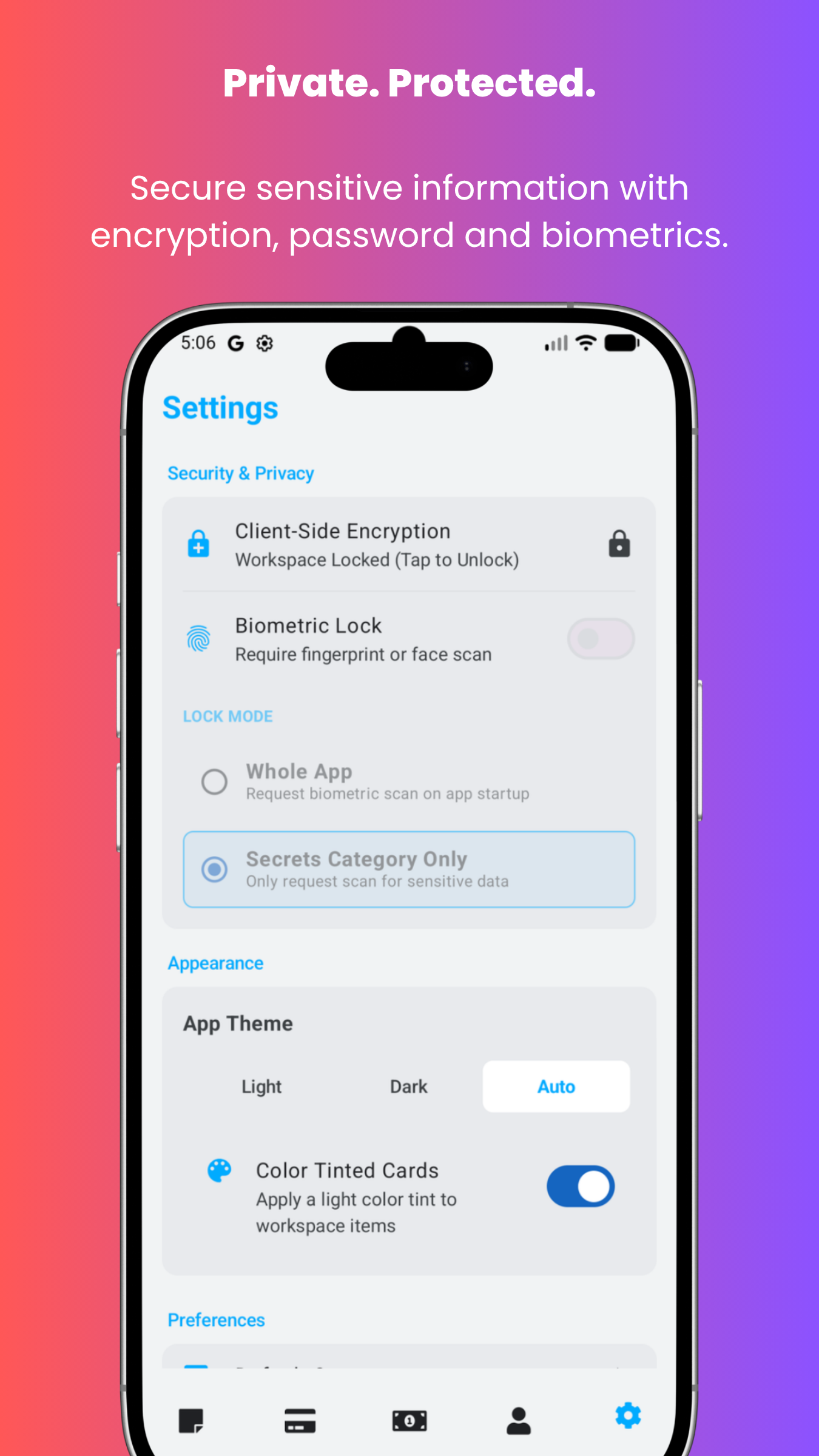
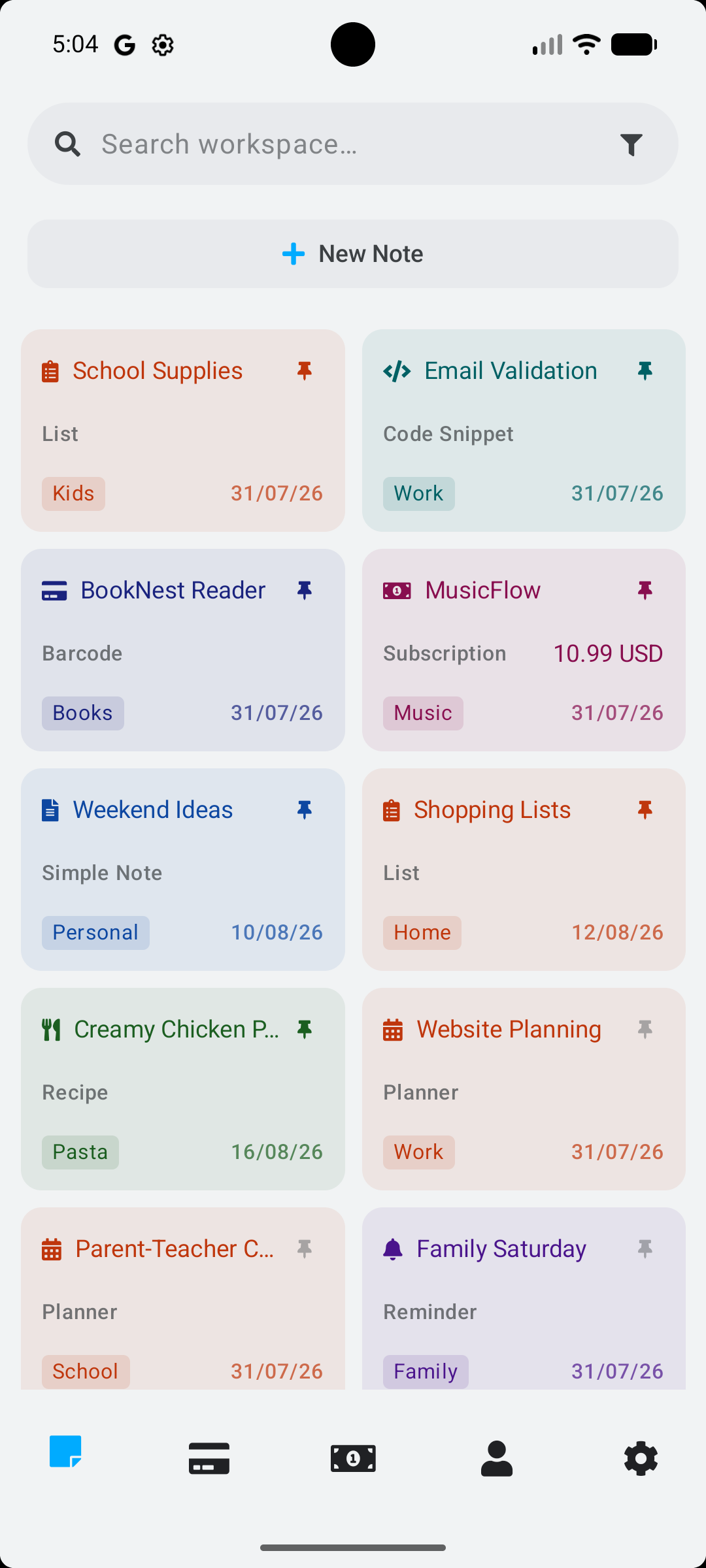
Create and customize notes for any purpose: simple notes, to-do lists, shopping lists, planners, reminders, recipes, code snippets, and more. Track subscriptions and renewals, scan QR codes and barcodes, save loyalty and contact cards, and protect your most sensitive information with biometric lock, which can be enabled for the whole app or only for Secrets. Sign in with Google, Microsoft, Twitter / X, Yahoo, GitHub or email to sync your data across devices and keep your workspace backed up in the cloud.
| Use case | How Stowlet helps |
|---|---|
| Quick notes | Save short thoughts, useful information, reminders, ideas, or personal notes without overcomplicating the process. |
| Cards | Organize structured information into card-style items that are easier to scan and reuse. |
| Lists | Keep practical lists for shopping, tasks, planning, routines, or repeated personal workflows. |
| Codes and references | Store useful codes, short references, labels, identifiers, or repeated text snippets in a clearer place. |
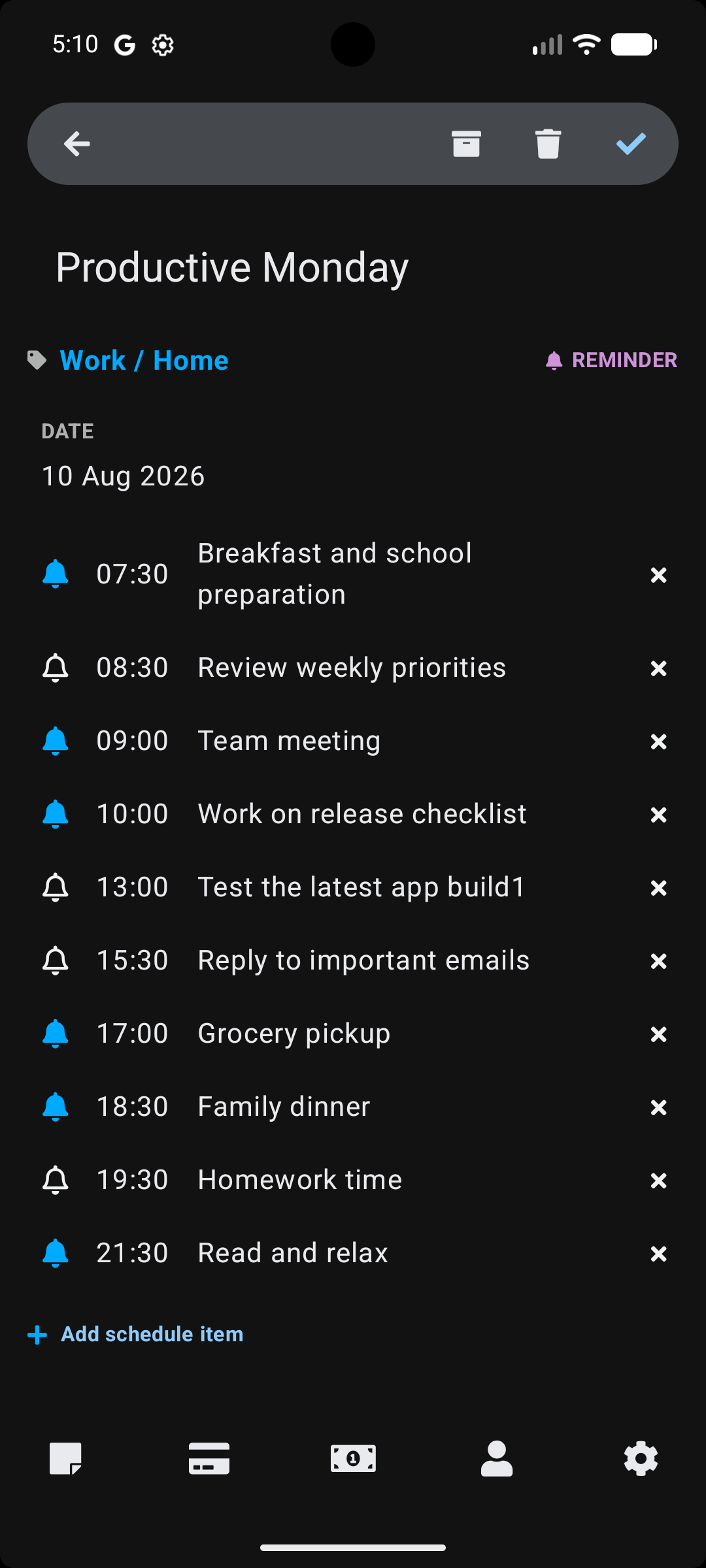
| Reminders | Keep important information connected to future actions or things that need attention. |
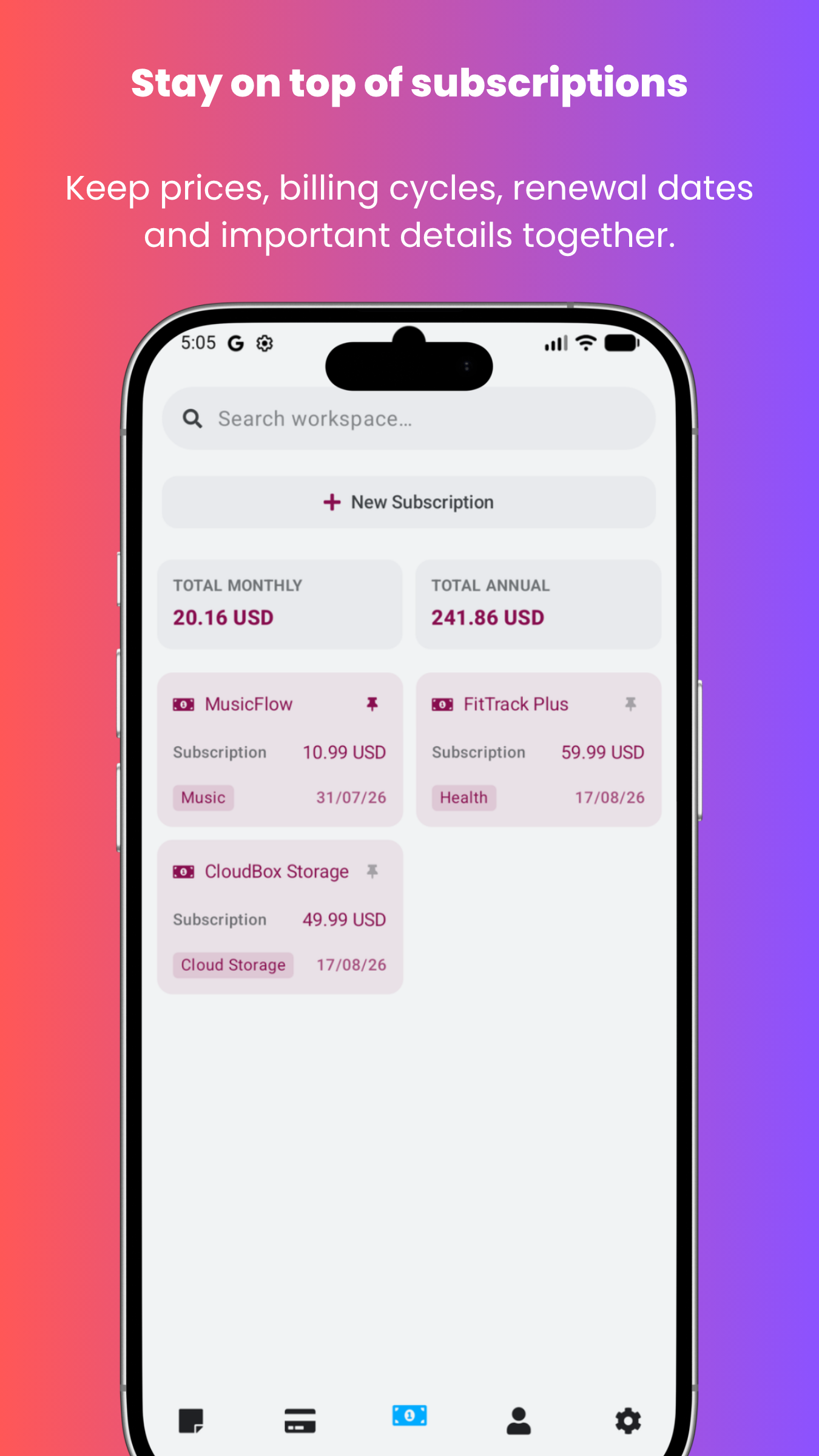
| Subscriptions | Track recurring services, renewals, and payment dates in one organized place. |
| Scanned text | Capture text from real-world information and keep it in a searchable, reusable format where supported. |
| Encrypted and Masked data | Store sensitive-looking information with masking in the interface where supported, without presenting it as encrypted secret storage. |
Key idea
Stowlet is designed for people who want clarity, control, and peace of mind. It helps you stay organized without wasting time, so you can focus on what matters instead of hunting through scattered notes and apps.
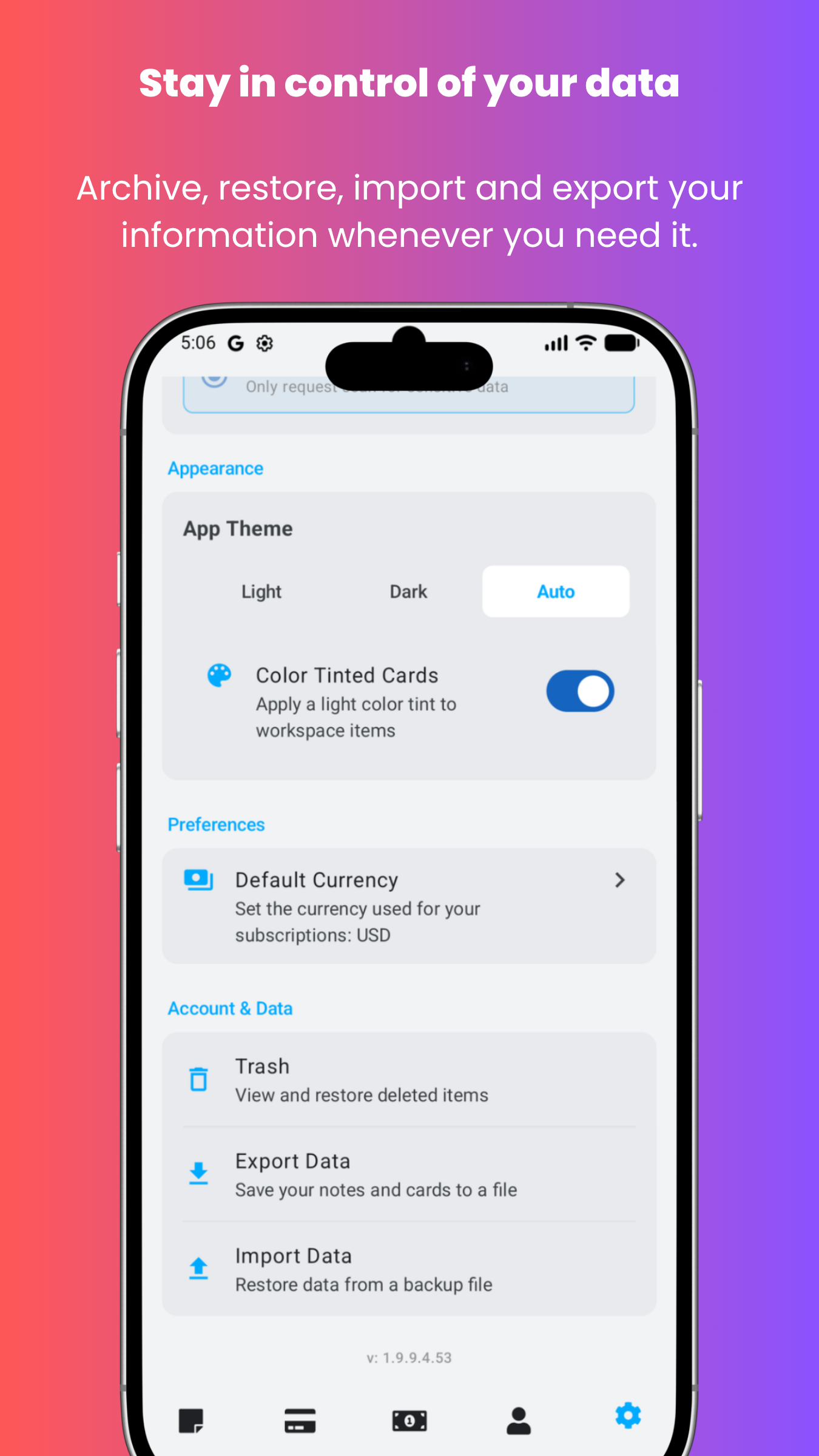
Upgrade to Stowlet Pro to unlock unlimited notes, cards, reminders, and secrets, plus cloud sync and backup, data export, and advanced scanning and OCR capabilities. Choose monthly, yearly, or lifetime access and enjoy the full power of Stowlet.
Planned app areas
Stowlet may include several content areas as the product develops. Some features may be available earlier than others, and product details may change during testing.
| Area | Description | Status |
|---|---|---|
| Notes | Simple notes for useful text, ideas, personal information, and quick saved items. | Planned / in development |
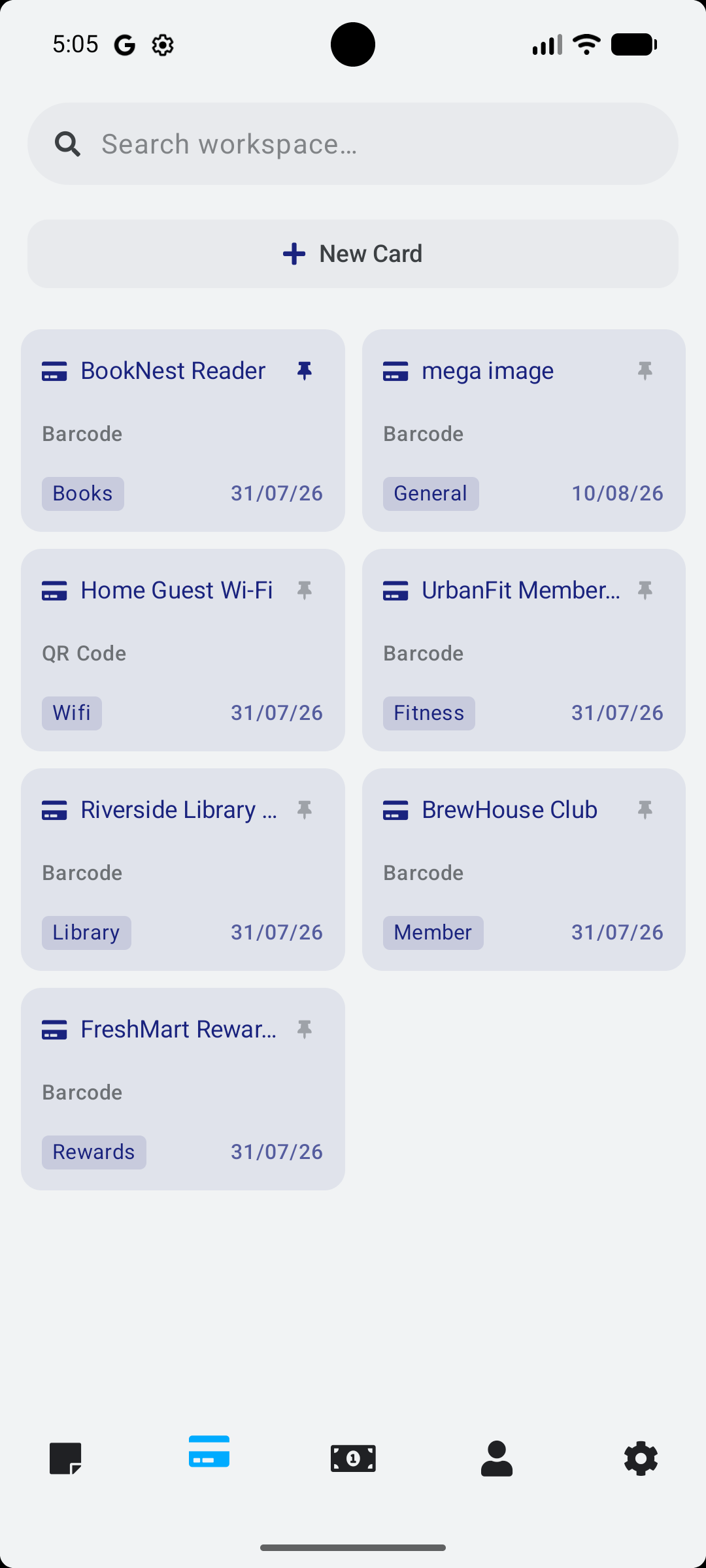
| Cards | Card-style saved items for subscriptions, loyalty details, and other structured information. | Planned / in development |
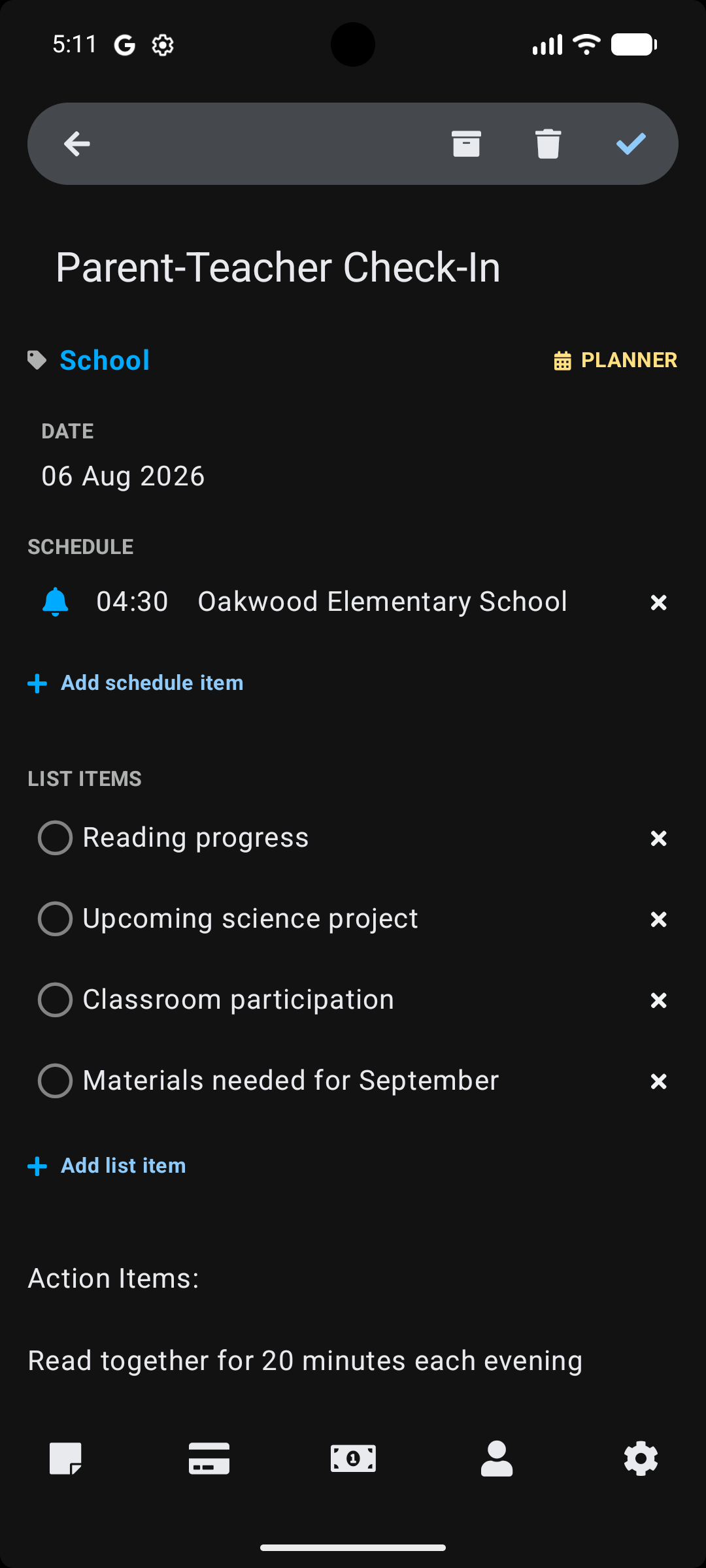
| Lists | Reusable lists for tasks, shopping, planning, routines, and personal organization. | Planned / in development |
| Codes | A place for useful codes, references, snippets, labels, and short structured text. | Planned / in development |
| Reminders | Reminder-related organization for things that should not be forgotten. | Planned / in development |
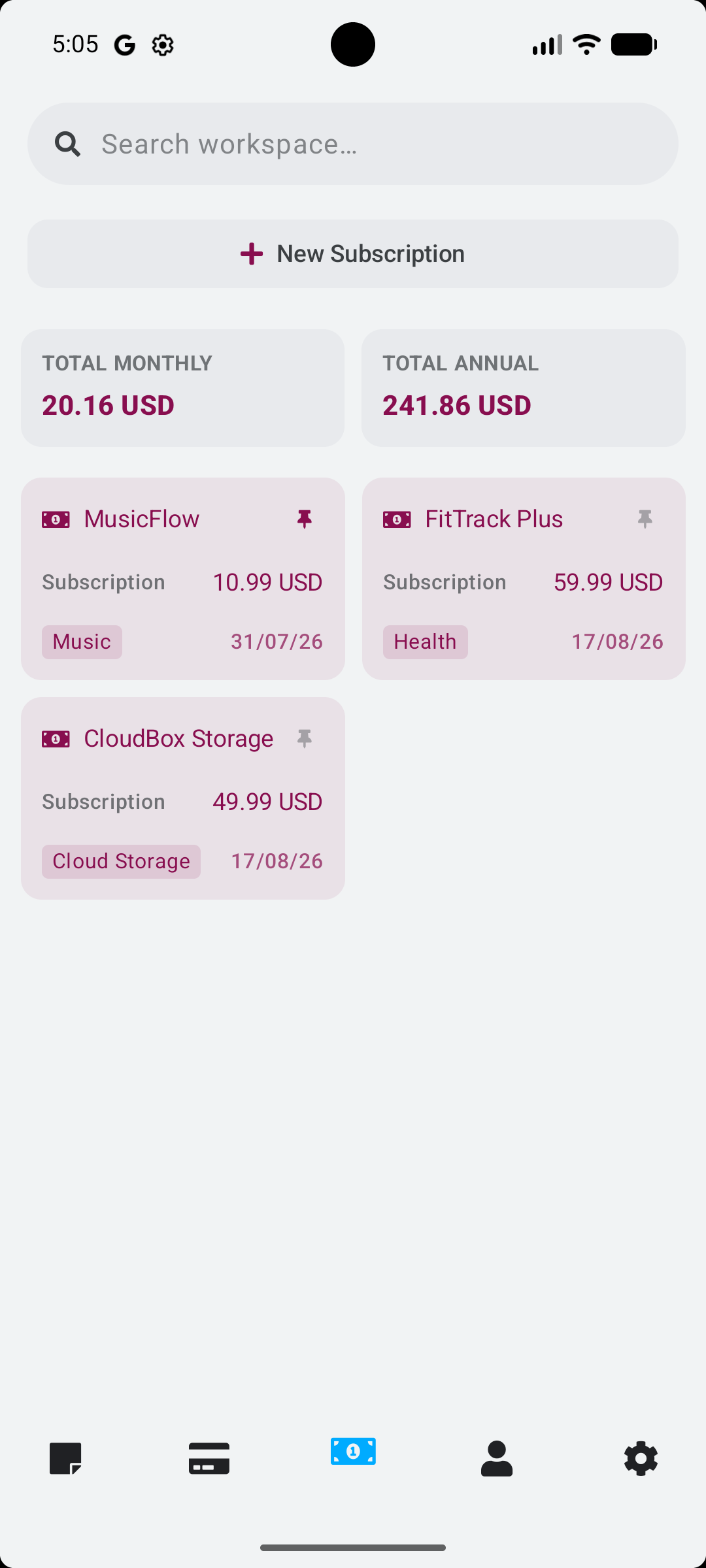
| Subscriptions | Manage recurring services, renewals, and important subscription details from your personal workspace. | Planned / in development |
| Scanned text | Capture and save text from real-world sources where supported by the device and platform. | Planned / in development |
| Encrypted and Masked data | Encrypted and Masked display for sensitive information where supported. | Planned / in development |
Screenshots
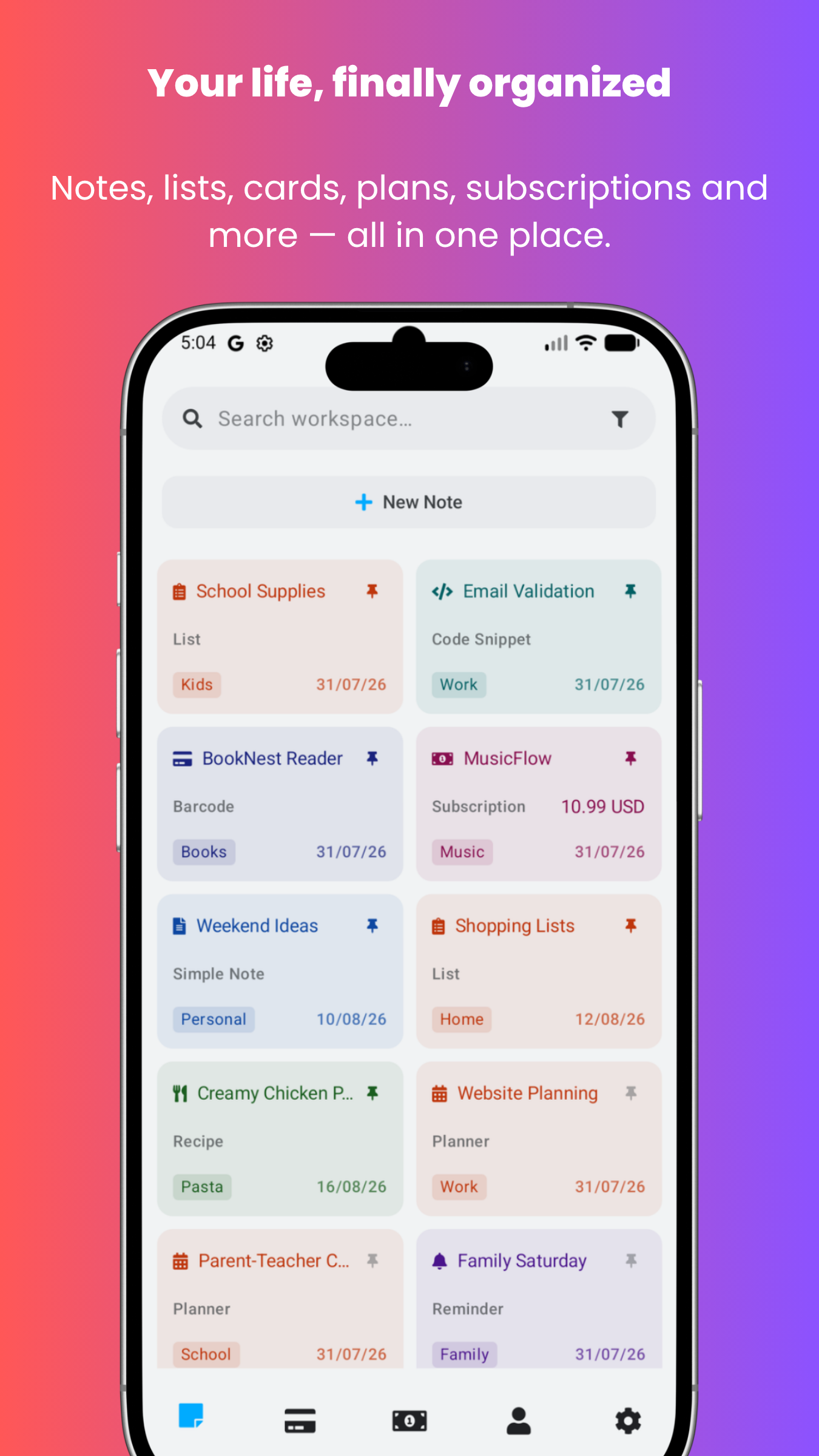
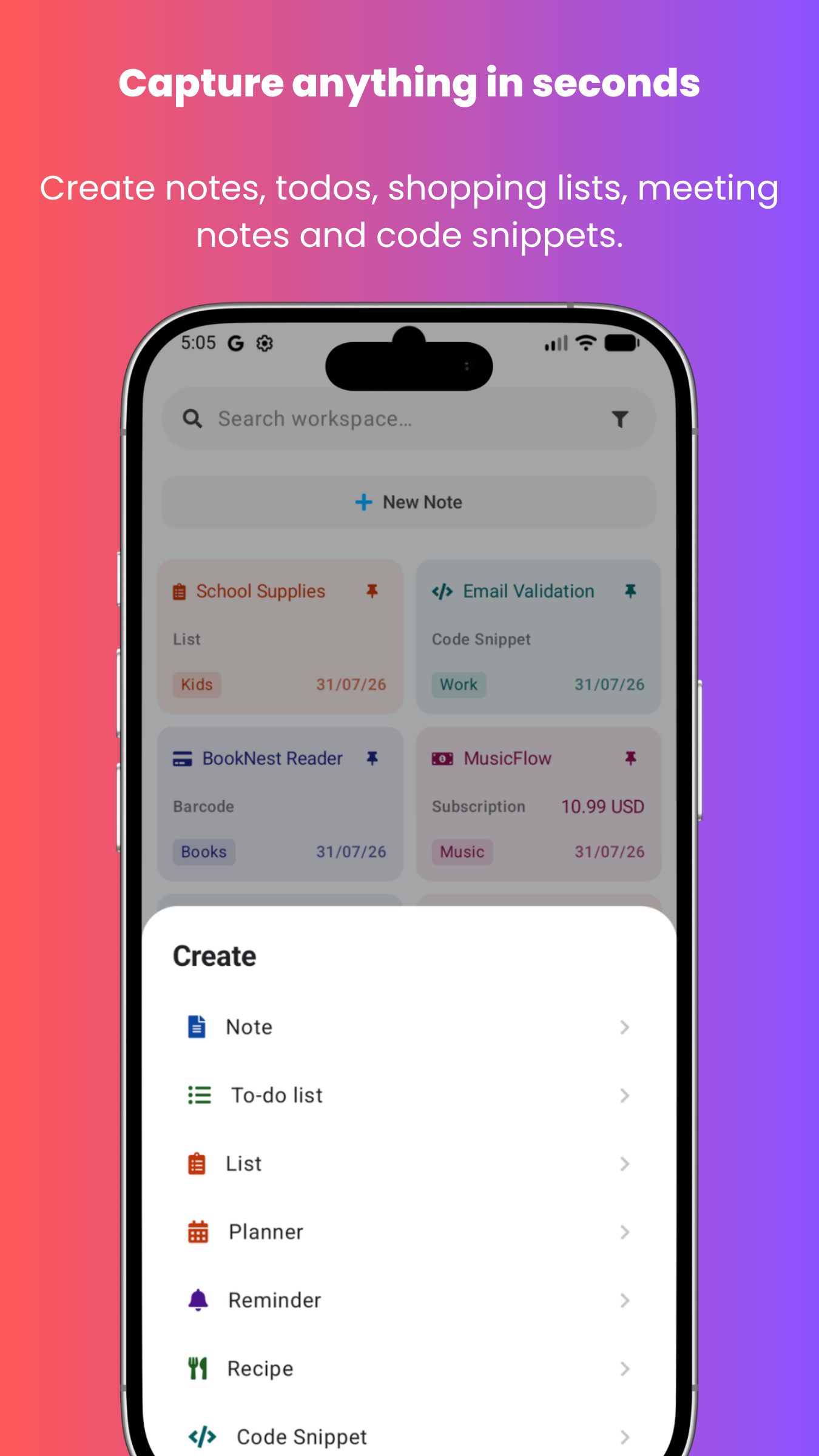
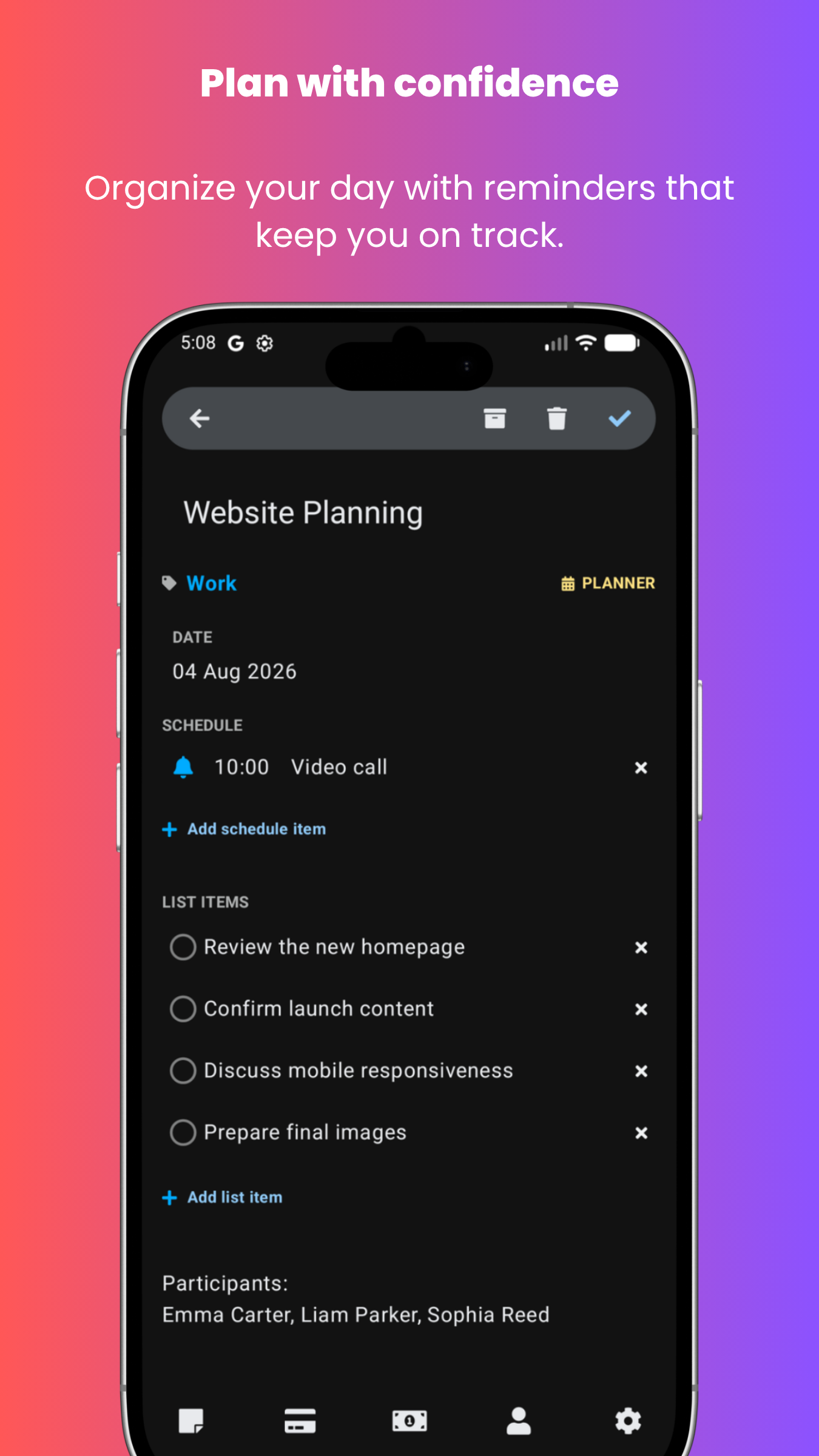
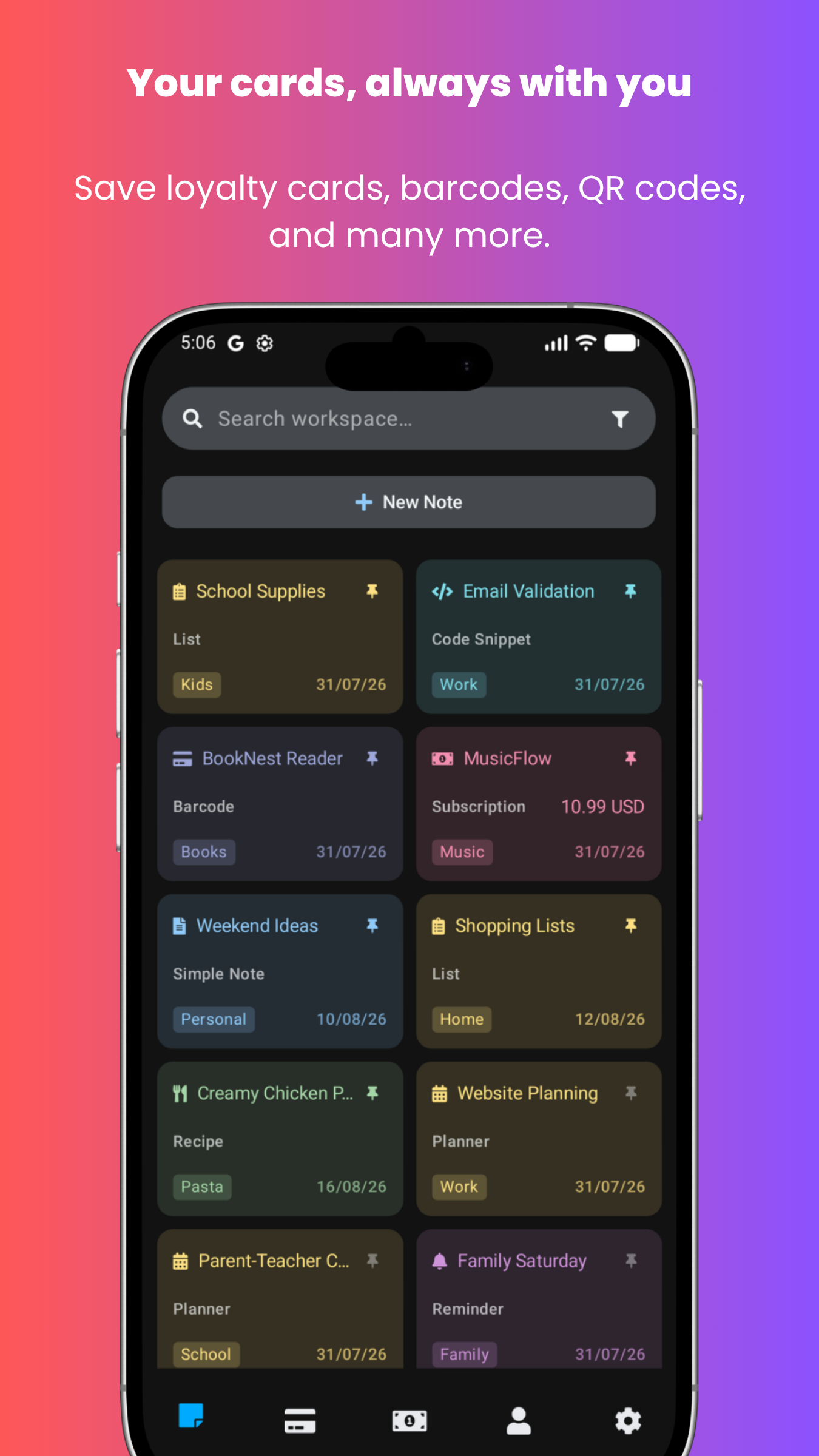
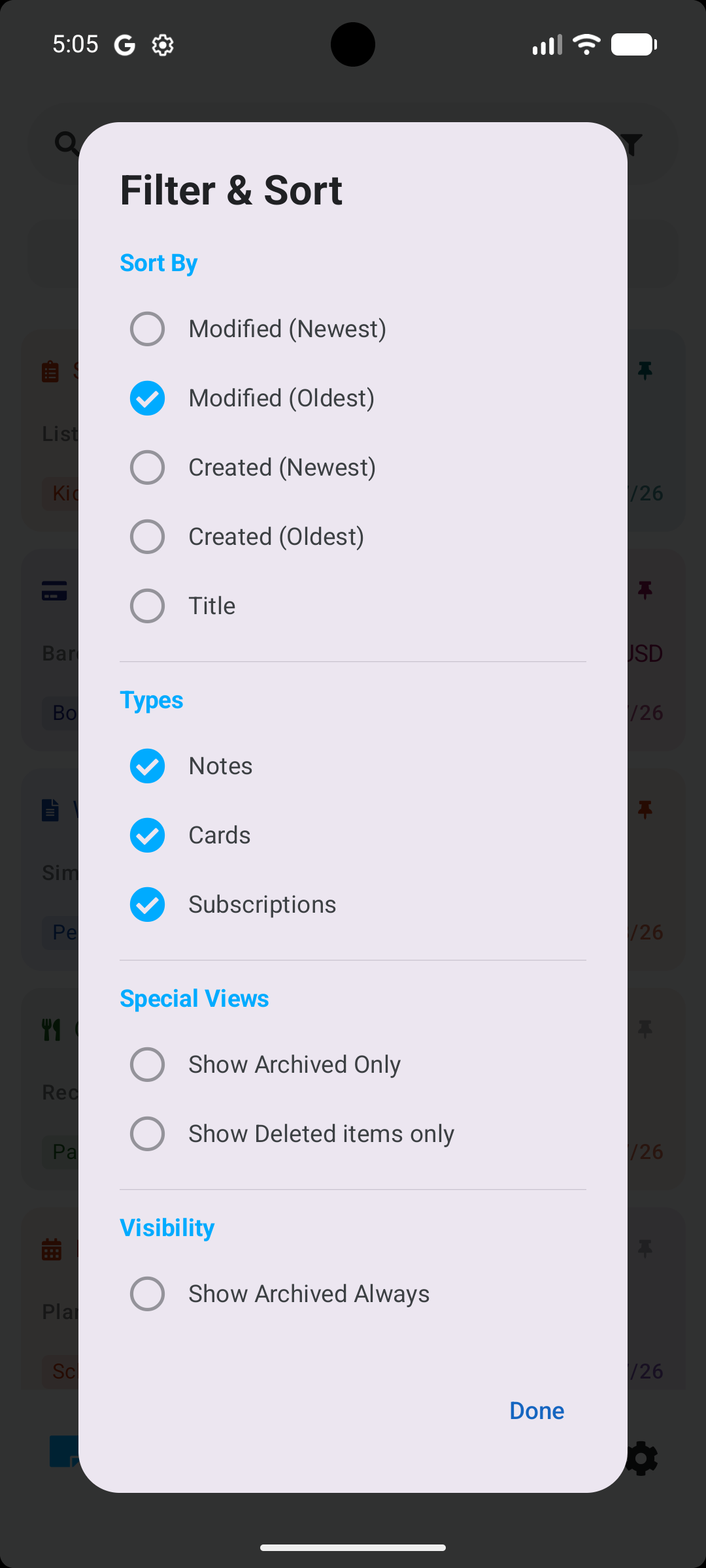
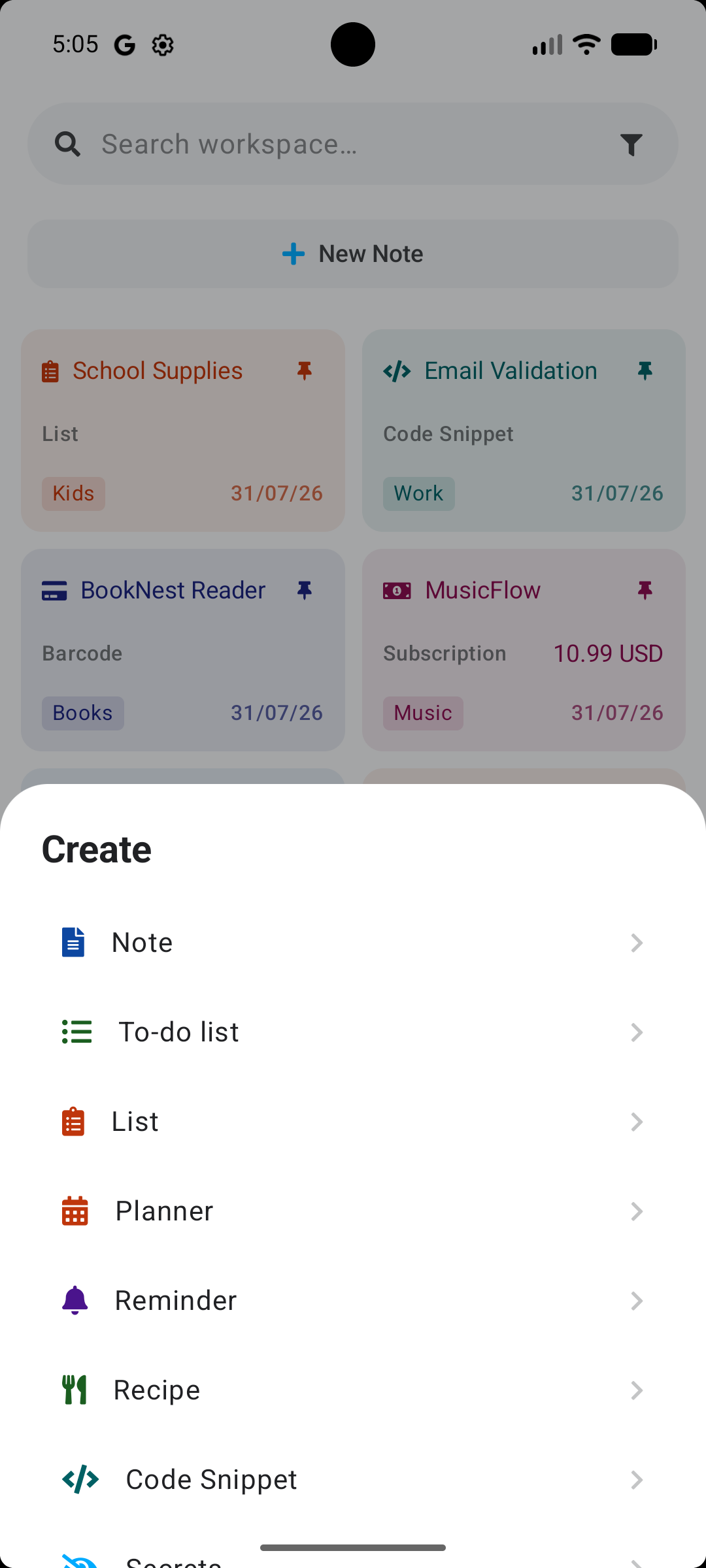
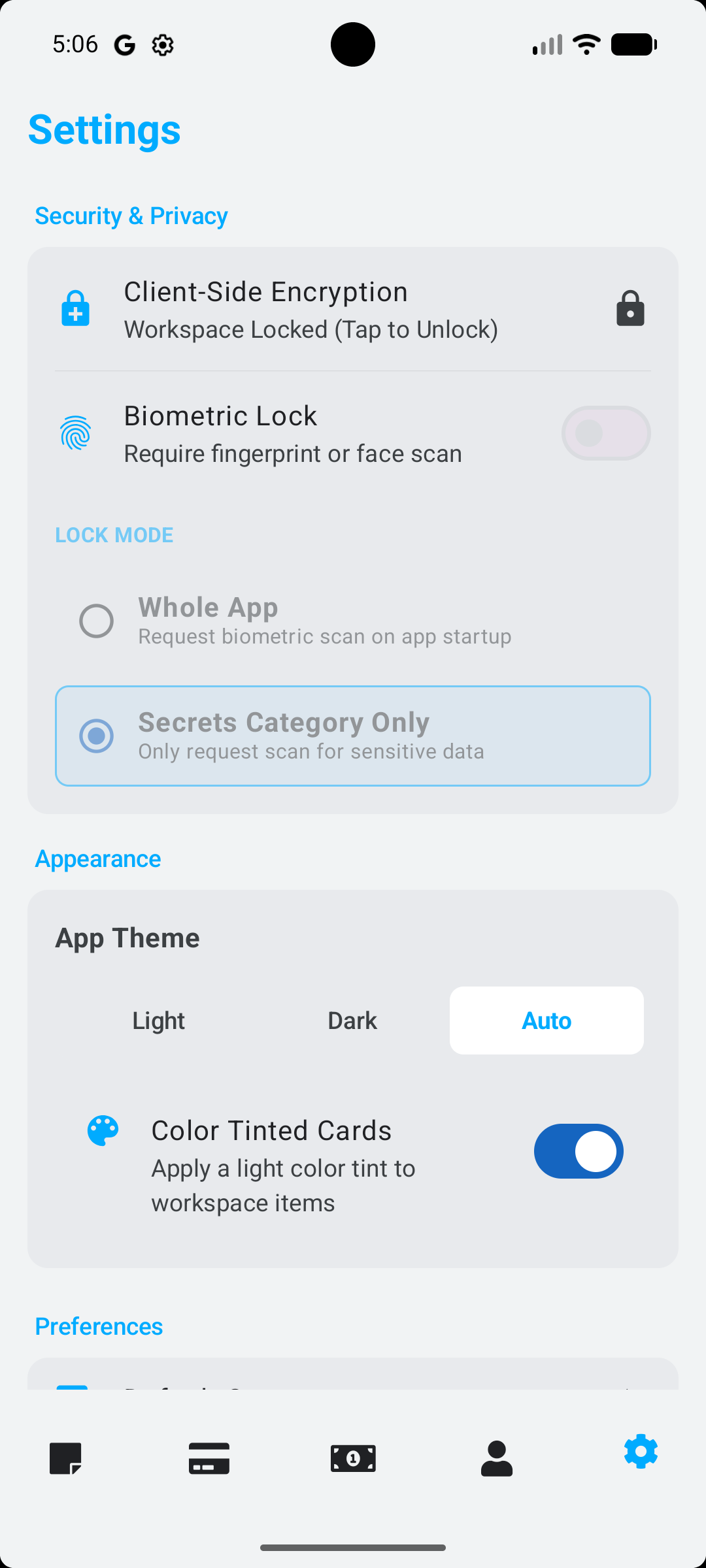
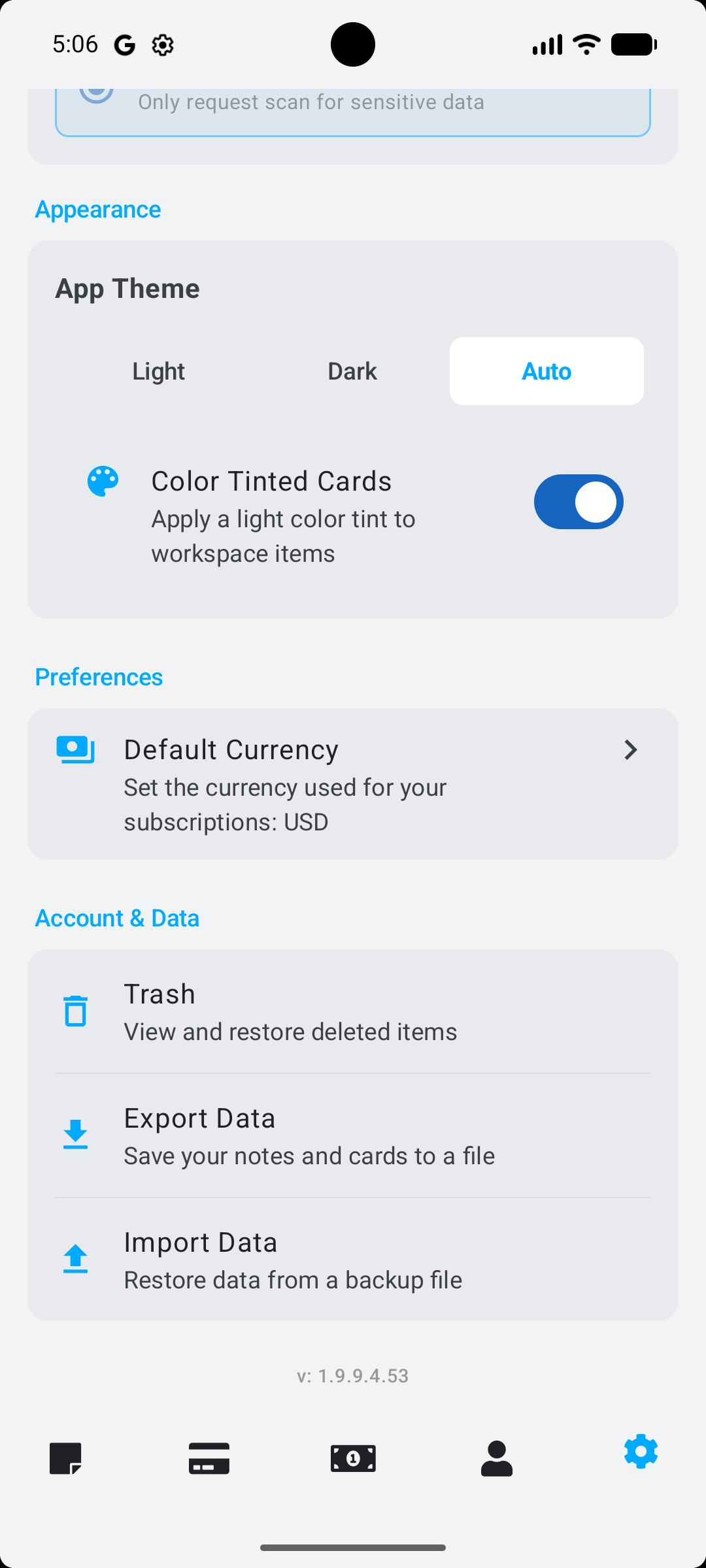
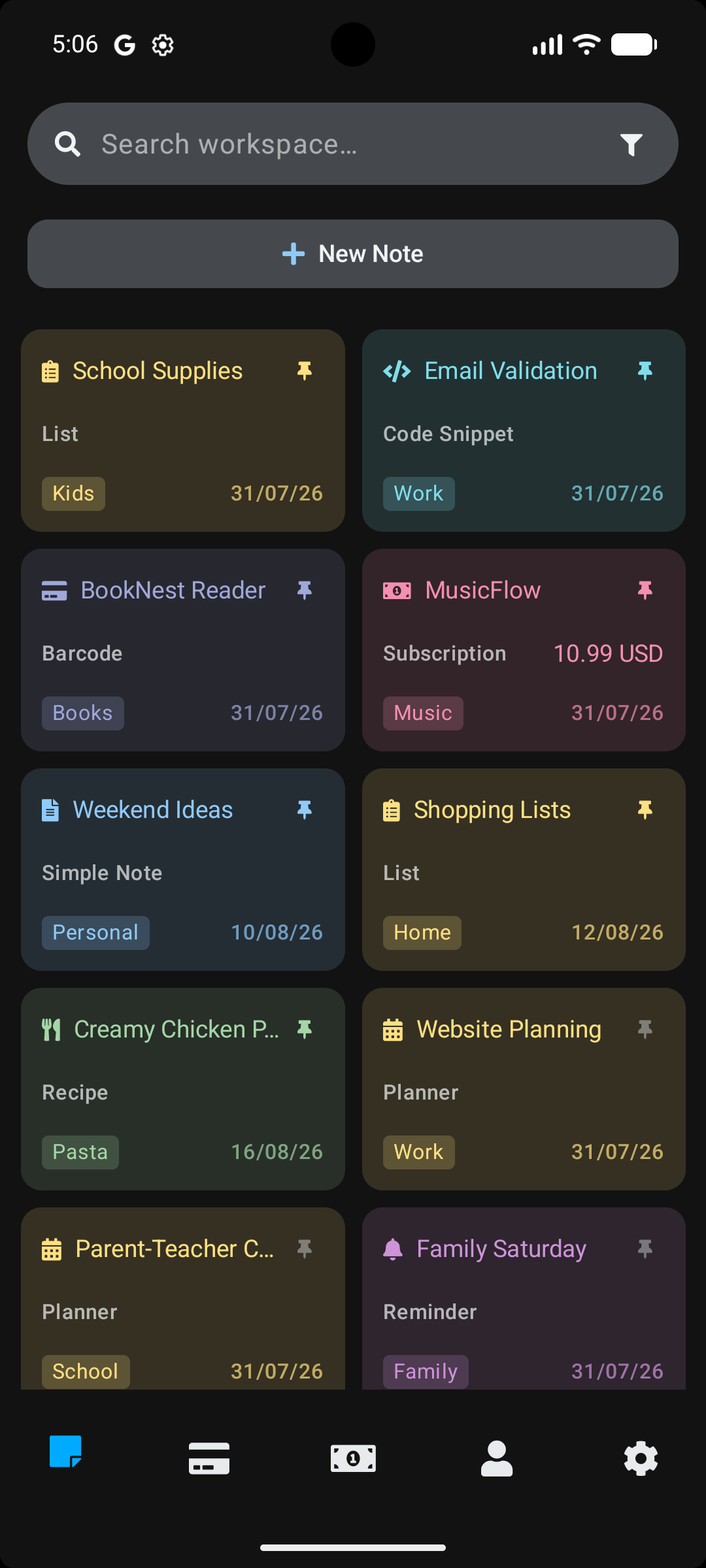
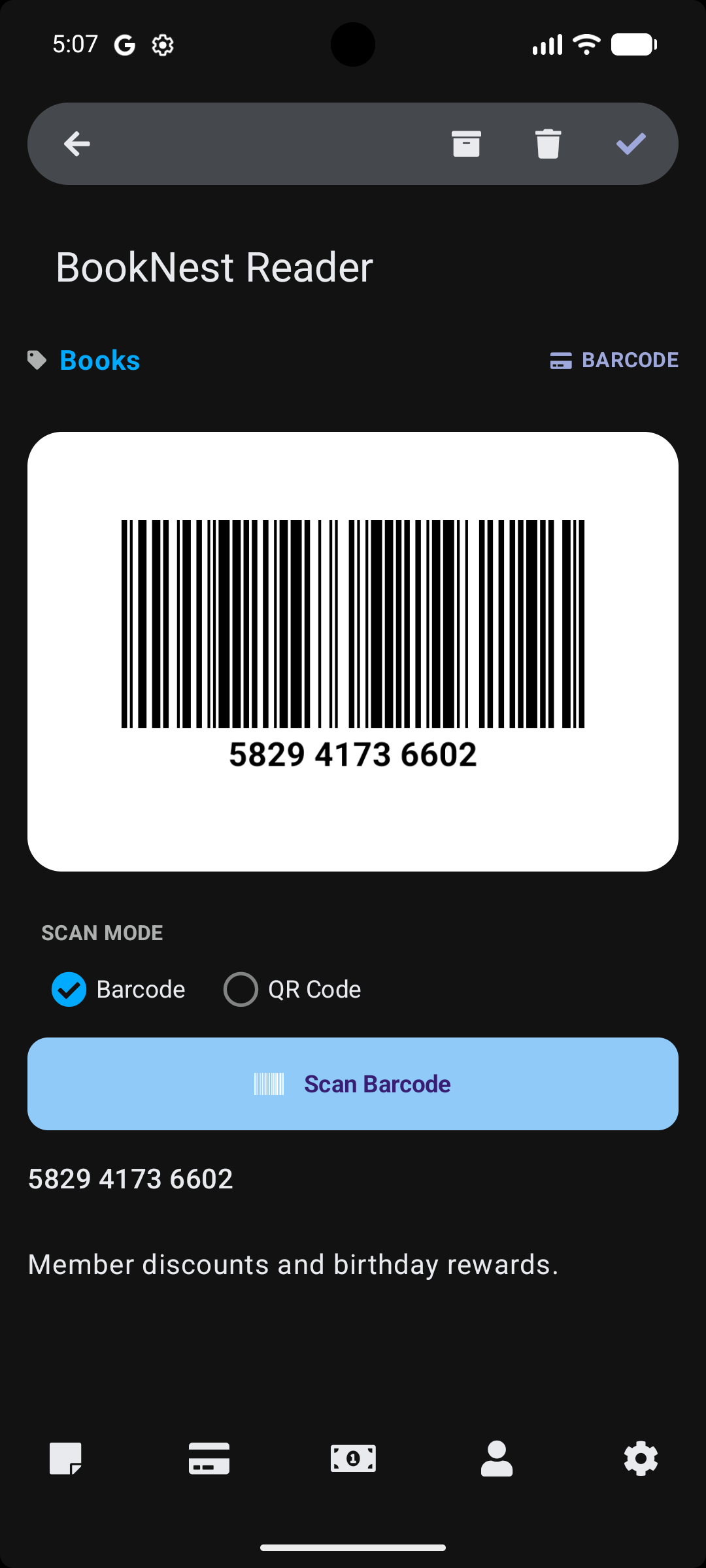
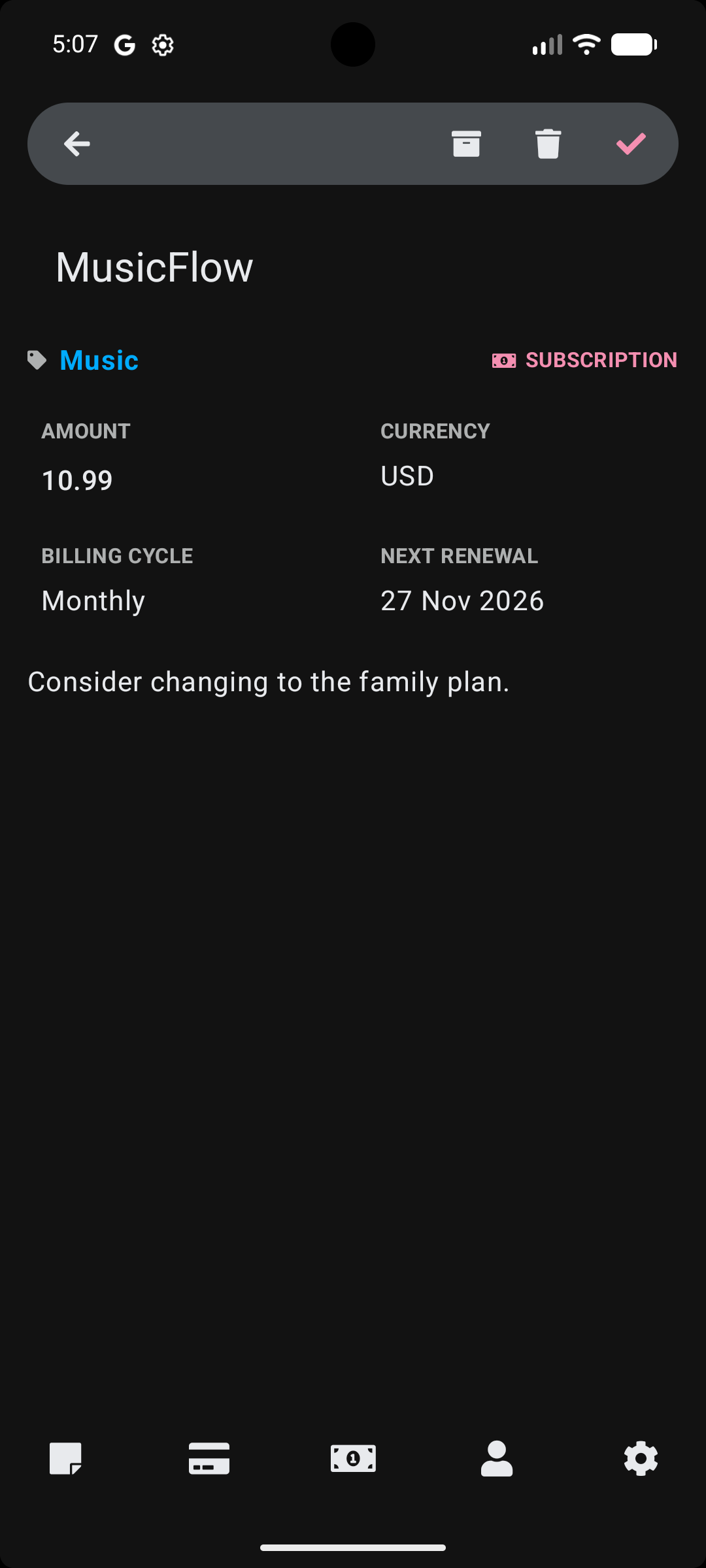
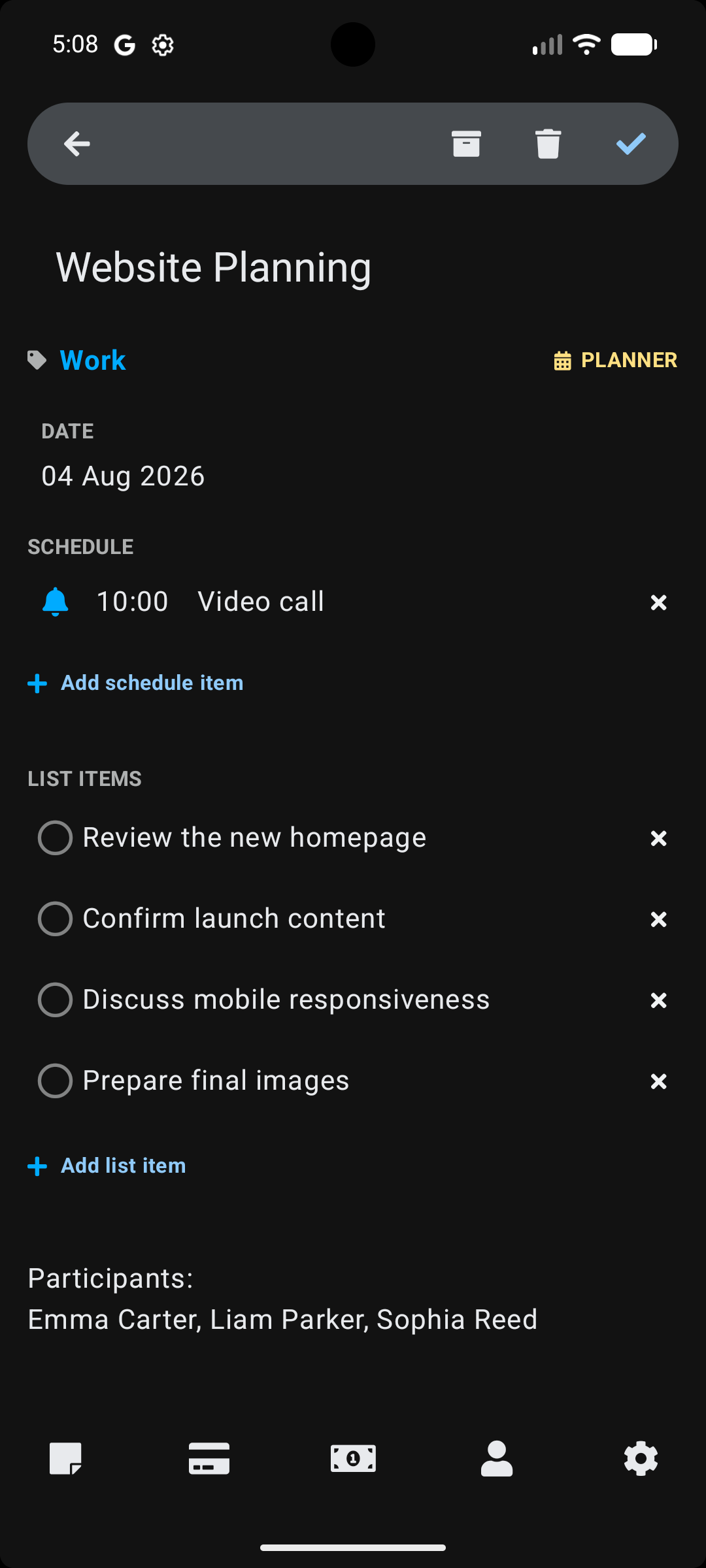
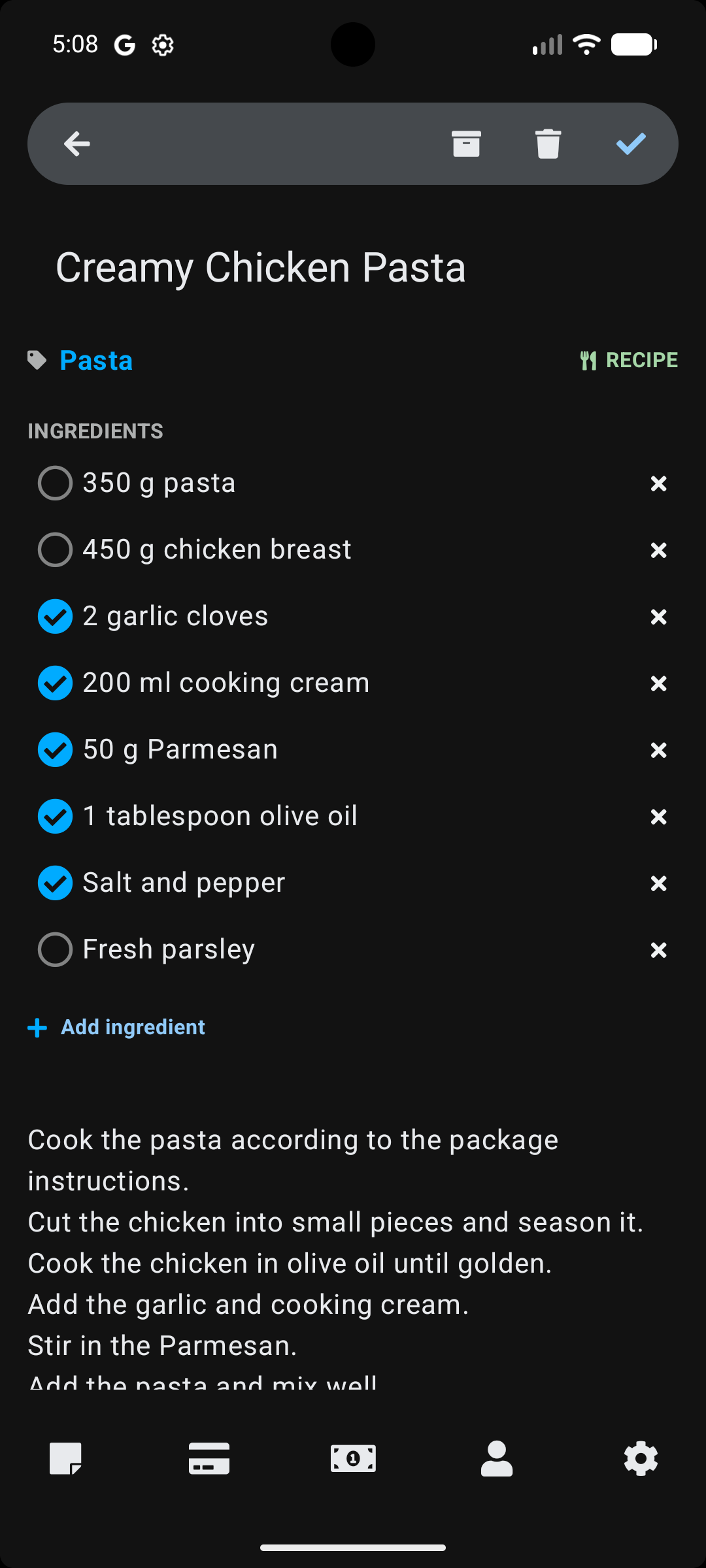
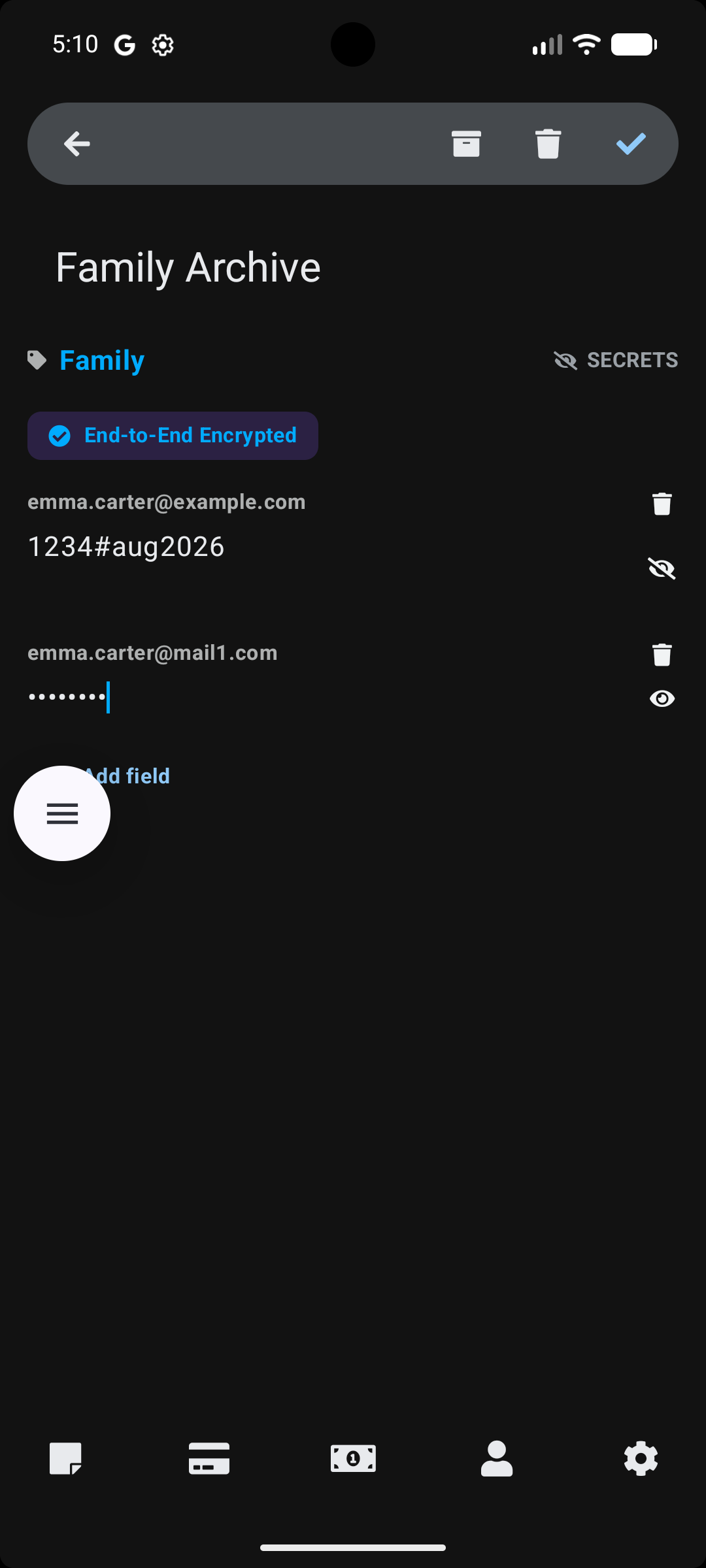
The screenshots below show example screens from Stowlet and highlight some of the app’s planned features. They are provided for preview purposes only and do not represent a final or fixed design. The interface, layout, wording, features, and visual details may change across versions, builds, testing phases, and release channels.
App listing description
Stowlet helps you organize your life in one secure app. Capture notes, create lists, manage subscriptions, save cards, keep reminders, and sync your data across devices with cloud backup.
Instead of searching through scattered notes and apps, Stowlet gives you a clean workspace for the ideas, information, and personal details that matter every day.
Why users love Stowlet
- Capture ideas and tasks in seconds.
- Manage subscriptions and never miss renewals.
- Keep personal and sensitive information secure.
- Sync your data effortlessly across devices.
- Unlock premium features for a more powerful experience.
Take control of your digital life with Stowlet today.
Important privacy and security note
Stowlet Privacy & Security Context: Stowlet is designed to provide a convenient, organized workspace for your daily information. While we implement professional-grade client-side encryption (AES-256) for the Secrets category and offer biometric protection for the interface, Stowlet is not intended as a replacement for dedicated enterprise-level password managers or banking security systems. Our security features are provided to enhance your personal data management but do not constitute a guarantee of external security certification or system-level device encryption.
More information about privacy, data handling, deletion requests, and software security is available through the Privacy Policy, Data Deletion, and Data & Security pages.
Testing and availability
Stowlet is planned as a multi-platform digital app, with availability depending on release readiness, supported devices, distribution channels, and product review requirements. Public availability, testing links, official access links, supported platforms, screenshots, and final feature details may change as the app moves through build, internal testing, closed testing, wider testing, and production release.
Users interested in testing Stowlet can visit the Testing page for current testing information and links when they become available.